Add Time Accounting
You can add time spent on a task using the Edit Task panel on the Case Summary page or tools such as Task Manager.
- Open the time accounting section. See Open the Time Accounting Window for more information.
-
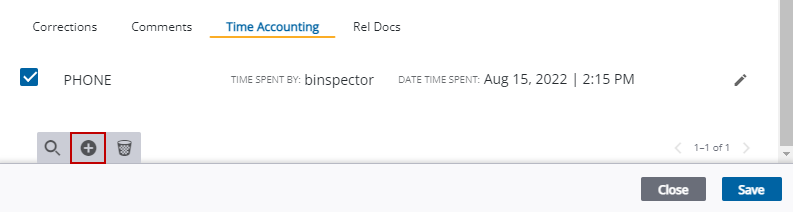
- Select the time code from the Time Accounting drop-down list.
- Select who spent the time on the task from the Time Spend By drop-down list.
- Enter the amount of Time.
- Use the calendar icon or double-
- Enter any additional comments.

A success message appears and the record is added to the task.
 NOTE: If you have used the Task Edit panel,
See Time Accounting Fields for an explanation of the time accounting fields.