View or Edit Attributes
Any attribute fields that have been set as editable for the work order template can be edited. Any edits made are applied to the geodatabase. See Asset Details for more information about the Asset Details page.
|
|
 PREREQUISITES:
 TIP: You can filter the list of records displayed. See Filter Records for more information.
- Select an asset or multiple assets on the Assets panel.
- Tap Asset Details.
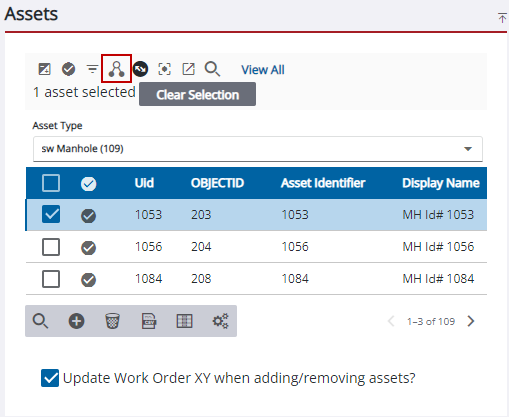
The Asset Details page opens and the selected assets load in the Assets panel. See View Asset Details and Edit Asset Details for more information.

