View a Person's Information
You can see an overview of a person's information.
 NOTE: If more than one role code is added, only the first role code selected is displayed in the People panel.
- Open a case.
-
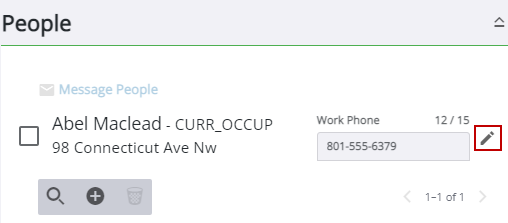
The
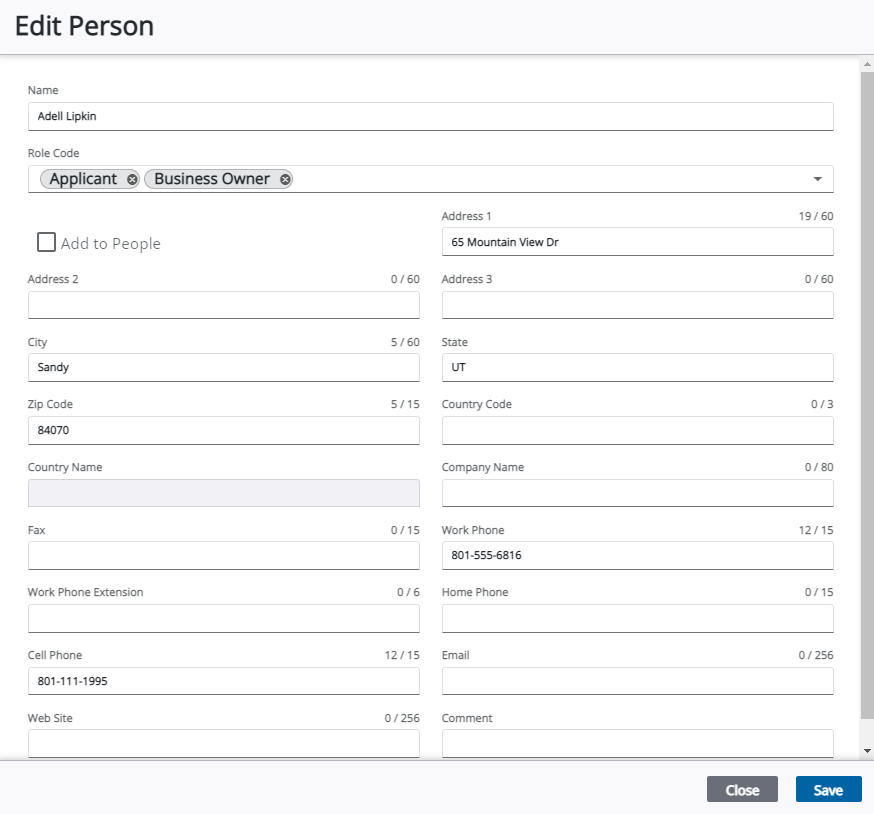
This shows all information pertaining to the selected person, such as their name and contact information.
NOTE: See Add a Person or Edit a Person's Information for more information on adding or editing information on a person.